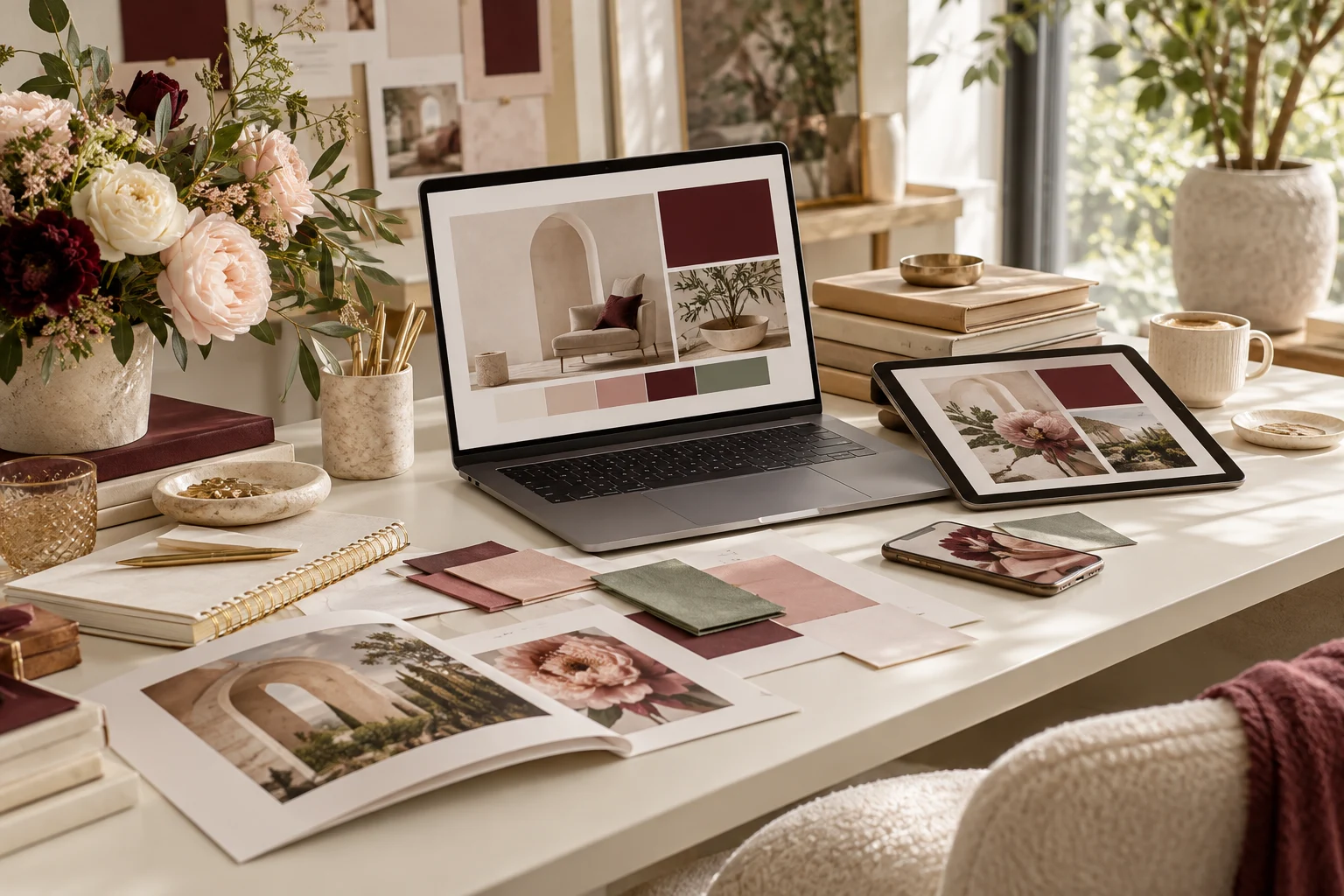
Brand Design
How to Choose Brand Colors and Fonts for Your Personal Brand
Choose a color palette and font pairing that feel like you. A beginner-friendly guide to mood boards, readable typography and a consistent personal brand aesthetic.
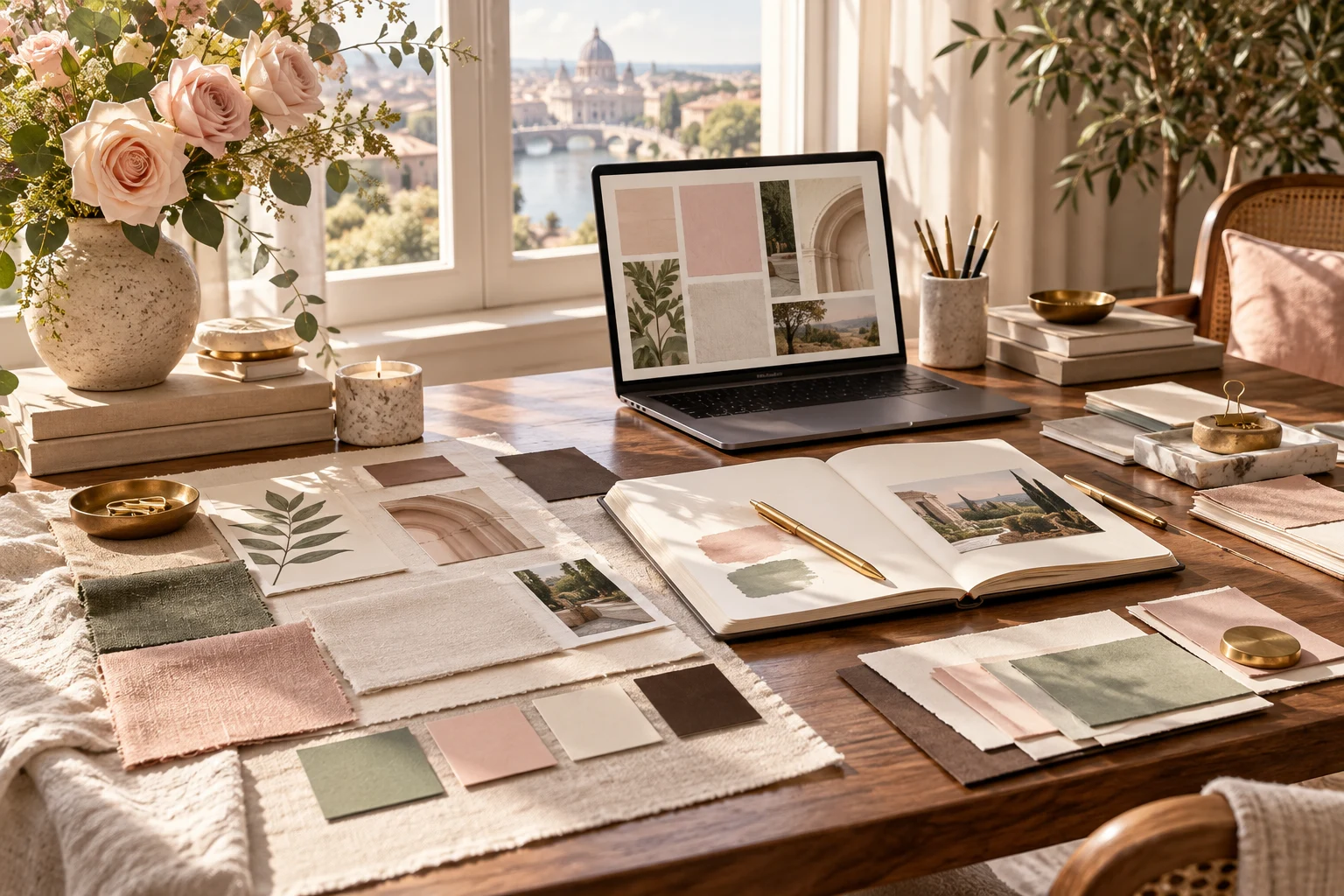
You've decided to create your personal brand. You have an idea of what you want to do, who you want to reach, and maybe even what you'll eventually sell.
Now comes the fun part: deciding what your brand should look like.
You open Pinterest and start saving beautiful websites, Instagram feeds, color palettes, and typography inspiration.
You love the soft pinks and delicate fonts of one brand. But then you discover a gorgeous earthy green palette. And suddenly, you're considering something bold and modern instead.
Sound familiar?
Choosing your brand colors and fonts can feel surprisingly difficult when there are so many beautiful options.
But here's the secret: Good branding isn't about choosing the prettiest colors or the trendiest fonts. It's about creating a visual identity that feels like you and makes sense for the audience you want to attract.
Let's explore how to create a beautiful, cohesive brand aesthetic without getting overwhelmed.
Why Your Brand Colors and Fonts Matter
Think about some of your favorite brands.
Chances are, you can recognize their content without even seeing their names.
Maybe it's their signature colors, distinctive typography, or the way their images and graphics work together.
That's the power of a consistent visual identity.
Your brand colors and fonts help establish the mood and personality of your business.
They also help your audience recognize your content across different platforms.
Imagine someone discovers one of your Pinterest pins, clicks through to your website, and then visits your Instagram profile.
If all three use completely different colors, fonts, and design styles, your brand may feel disconnected.
But when everything looks like it belongs together, your online presence feels more intentional and professional.
And you don't need to be a graphic designer to accomplish that.
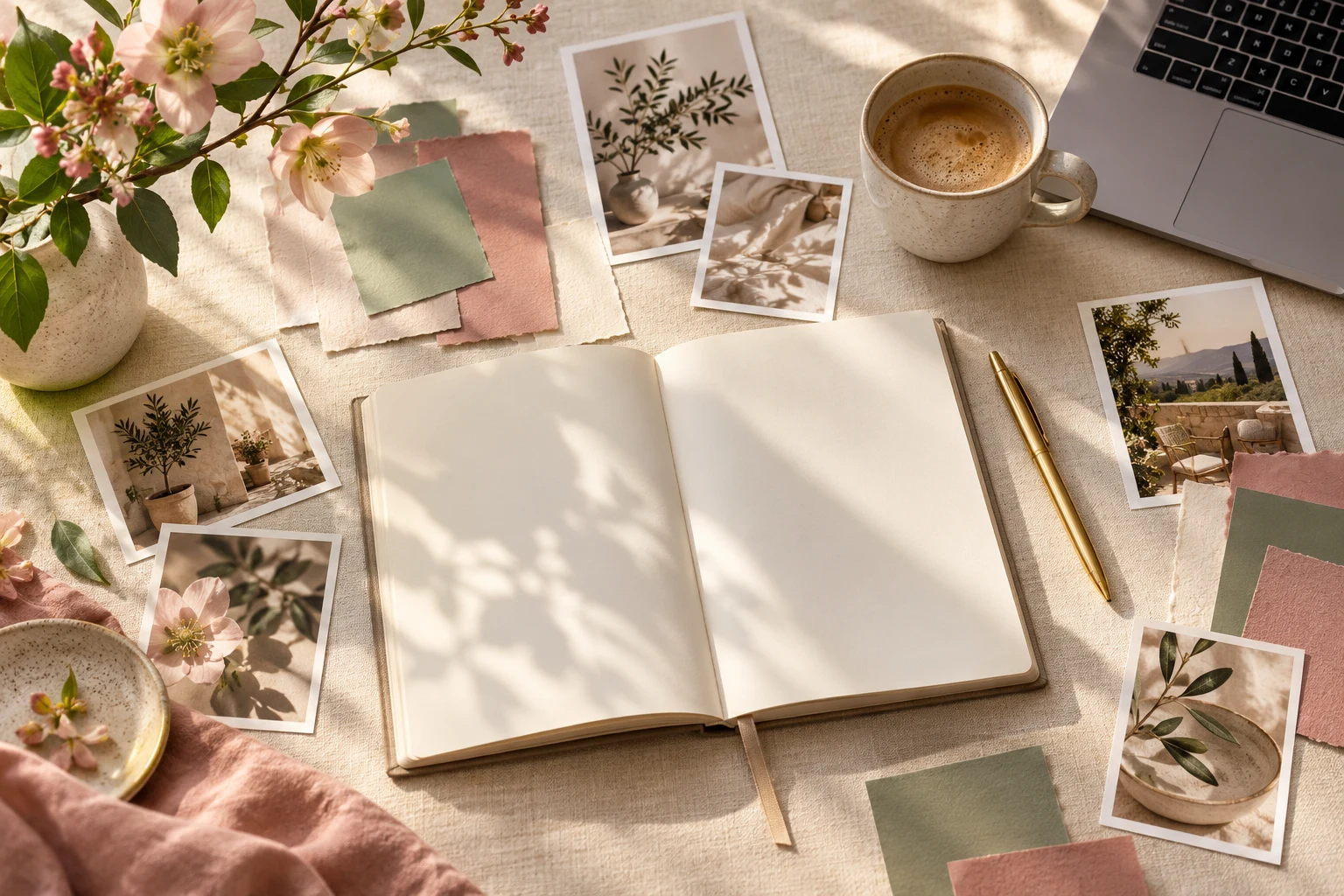
Step 1: Decide How You Want Your Brand to Feel
Before choosing a single color, think about the personality of your brand.
Ask yourself:
- Do I want my brand to feel elegant and sophisticated?
- Should it feel warm, friendly, and approachable?
- Do I want something playful and creative?
- Would a modern, minimalist aesthetic fit my business?
- Should my brand feel calm and peaceful or bold and energetic?
Try describing your brand using three to five words.
For example:
Feminine, elegant, sophisticated
Or:
Natural, welcoming, peaceful
Or:
Confident, modern, creative
These words become your guide when choosing colors, fonts, photography, and other visual elements.
When you're deciding between two beautiful color palettes, ask which one better represents the personality you want your brand to communicate.
Step 2: Find Inspiration on Pinterest
Pinterest is an excellent place to explore branding ideas.
Search for phrases like:
- Personal brand color palette
- Feminine branding inspiration
- Neutral brand aesthetic
- Modern brand color palette
- Elegant font pairings
- Minimalist branding
- Canva brand kit ideas
Create a private Pinterest board and save anything that catches your attention.
Don't worry about whether the colors or fonts match yet.
Simply collect inspiration.
After you've saved approximately 20 to 30 images, look through your board.
Do you notice certain colors appearing repeatedly?
Are you drawn to light, airy designs or darker, moodier aesthetics?
Do you prefer elegant serif fonts or clean, modern typography?
These patterns can reveal your natural design preferences.
Just remember that Pinterest is for inspiration, not imitation. Your goal is to develop a visual identity that feels personal rather than copying another creator's branding.

Step 3: Choose Your Primary Brand Color
Your primary brand color is the color most closely associated with your business.
It's often used in important areas of your website, social graphics, and marketing materials.
For example, a wellness creator might choose sage green as her primary color.
A fashion influencer might choose a warm beige or soft blush.
A creative business coach might choose a rich burgundy or deep navy.
Different colors can suggest different feelings, although those associations vary by culture, audience, and context.
Some common associations include:
Pink: Warmth, femininity, softness, creativity
Green: Nature, wellness, balance, growth
Blue: Calm, stability, reliability
Purple: Creativity, imagination, luxury
Brown: Earthiness, comfort, authenticity
Black: Sophistication, confidence, elegance
Yellow: Optimism, warmth, energy
You don't have to follow traditional color meanings.
A financial coach can absolutely have a pink website, and a beauty creator can build a brand around dark green.
What's important is choosing a color that fits your personality and your overall brand direction.
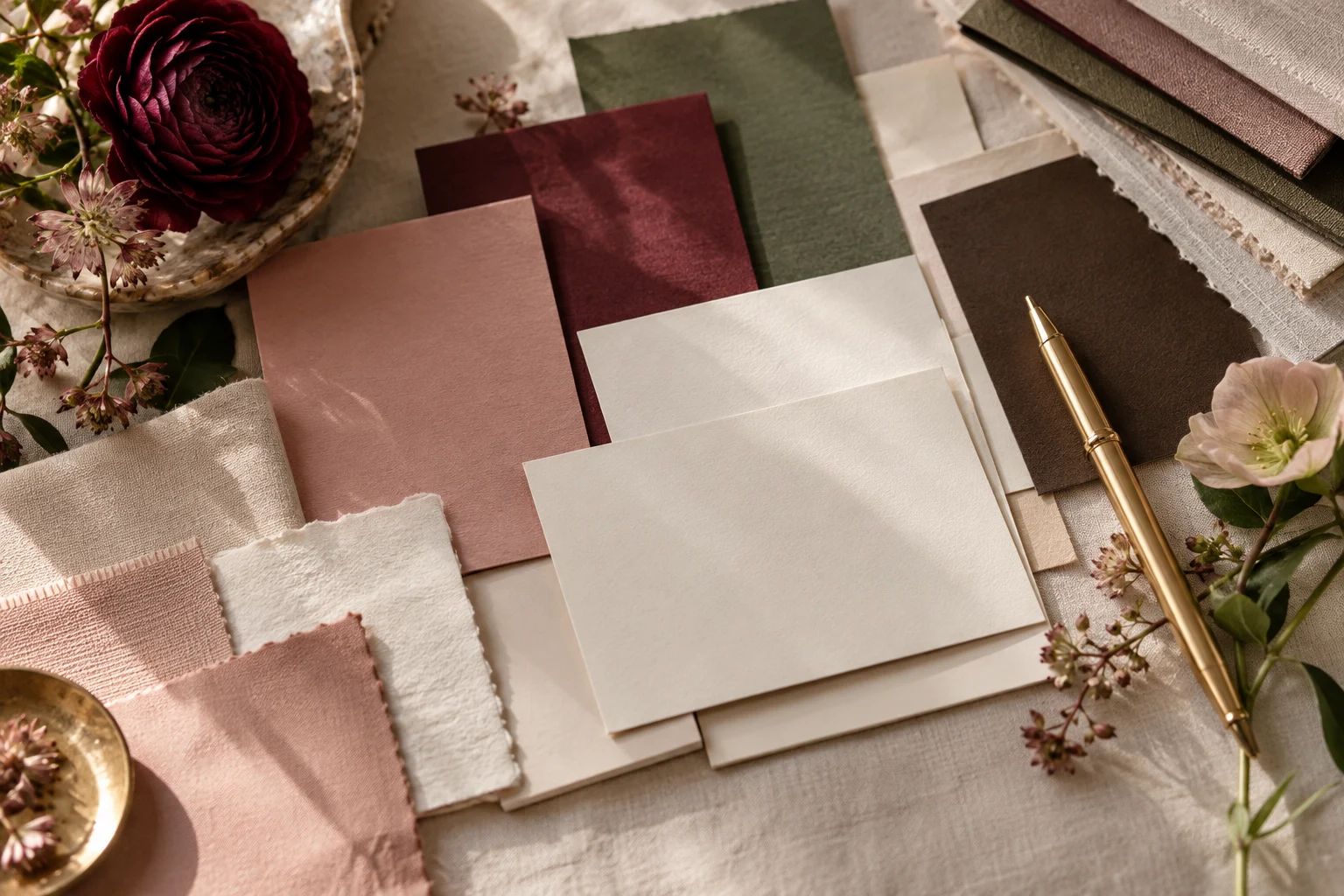
Step 4: Build a Coordinated Color Palette
Once you've chosen your primary color, it's time to select supporting colors.
You generally don't need a large palette.
Three to five coordinated colors are often enough to create a flexible visual identity.
Here's an example of a soft, feminine brand palette:
| Color | HEX Code |
|---|---|
| Dusty Rose | #C89D9D |
| Warm Cream | #F7F1EA |
| Soft Taupe | #B6A69A |
| Espresso Brown | #493C38 |
| Muted Sage | #A9AF9B |
This combination could work beautifully for a lifestyle creator, wellness coach, photographer, or creative entrepreneur.
The dusty rose could be used for accents and buttons.
The warm cream could serve as a website background.
Espresso brown would provide a rich, readable text color.
The taupe and sage could appear in graphics, decorative elements, and supporting sections.
The exact combination matters less than how the colors work together.
Try to create enough contrast between your background and text colors so everything remains easy to read.
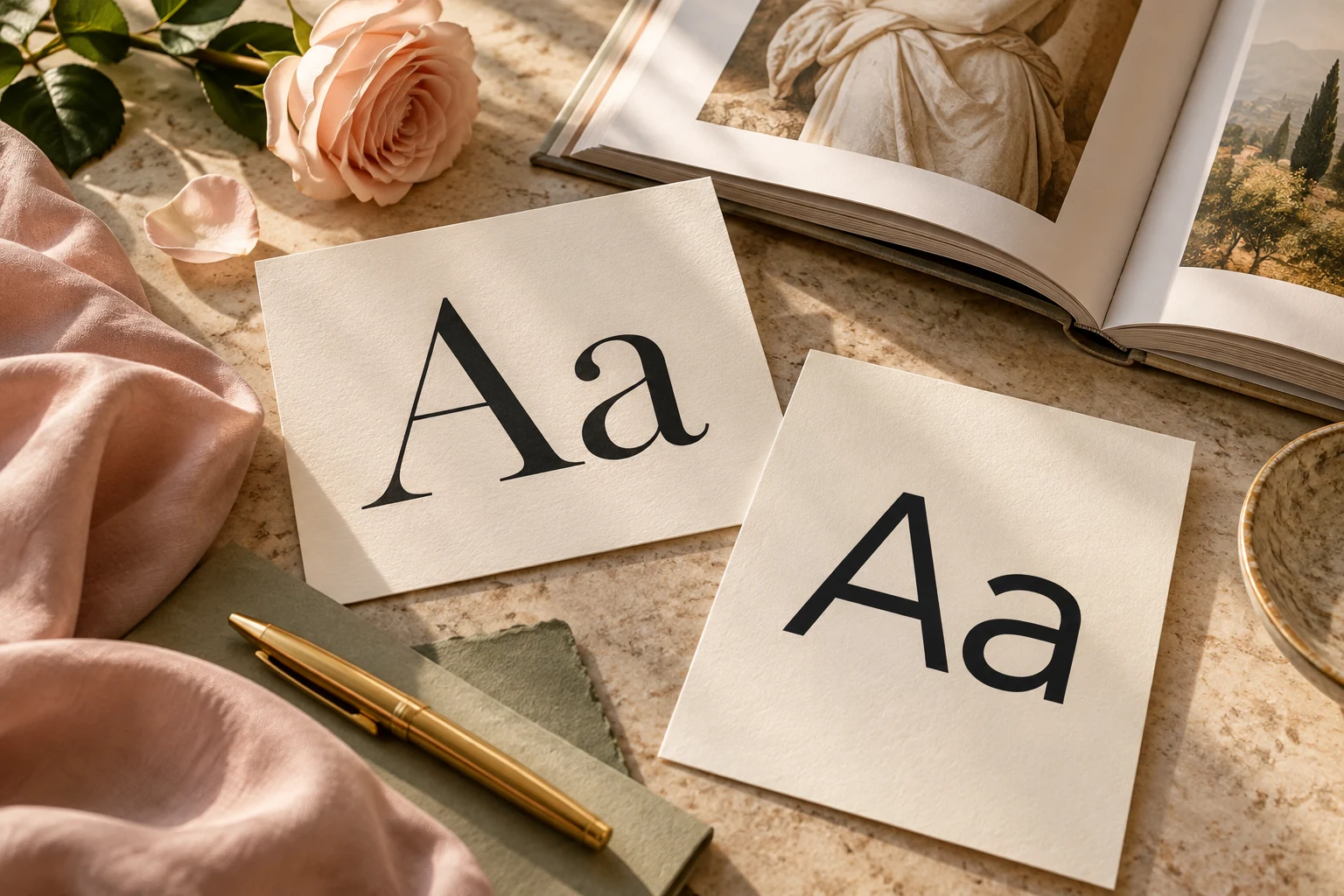
Step 5: Choose Two Brand Fonts That Work Together
Once you've selected your colors, it's time to choose your typography.
Fonts contribute just as much to your brand's personality as colors do.
An elegant serif font can create a very different feeling from a bold, geometric sans serif.
Fortunately, you don't need a complicated typography system.
For most beginners, two complementary fonts are plenty.
Choose one for your headings and another for your body text.
Here are a few combinations worth exploring.
Elegant and Feminine
Cormorant Garamond + DM Sans
This pairing combines an expressive serif with a clean, modern sans serif.
It can work beautifully for lifestyle creators, photographers, beauty businesses, and feminine personal brands.
Modern and Minimal
Montserrat + Open Sans
If you prefer clean lines and a modern aesthetic, this combination offers a straightforward, versatile look.
It's a good option for consultants, service providers, and educational brands.
Editorial and Sophisticated
Playfair Display + Lato
Playfair Display brings a more traditional editorial feeling, while Lato keeps the supporting text simple and approachable.
This combination can be lovely for fashion, beauty, and creative brands.
Warm and Approachable
DM Serif Display + Nunito Sans
This pairing balances personality with readability.
It can work well for coaches, bloggers, educators, and lifestyle businesses.
Before committing to a font pairing, test it with your actual website headlines and paragraphs.
A font that looks beautiful in a Pinterest graphic might not feel quite right when used throughout an entire website.
Step 6: Create a Simple Brand Mood Board
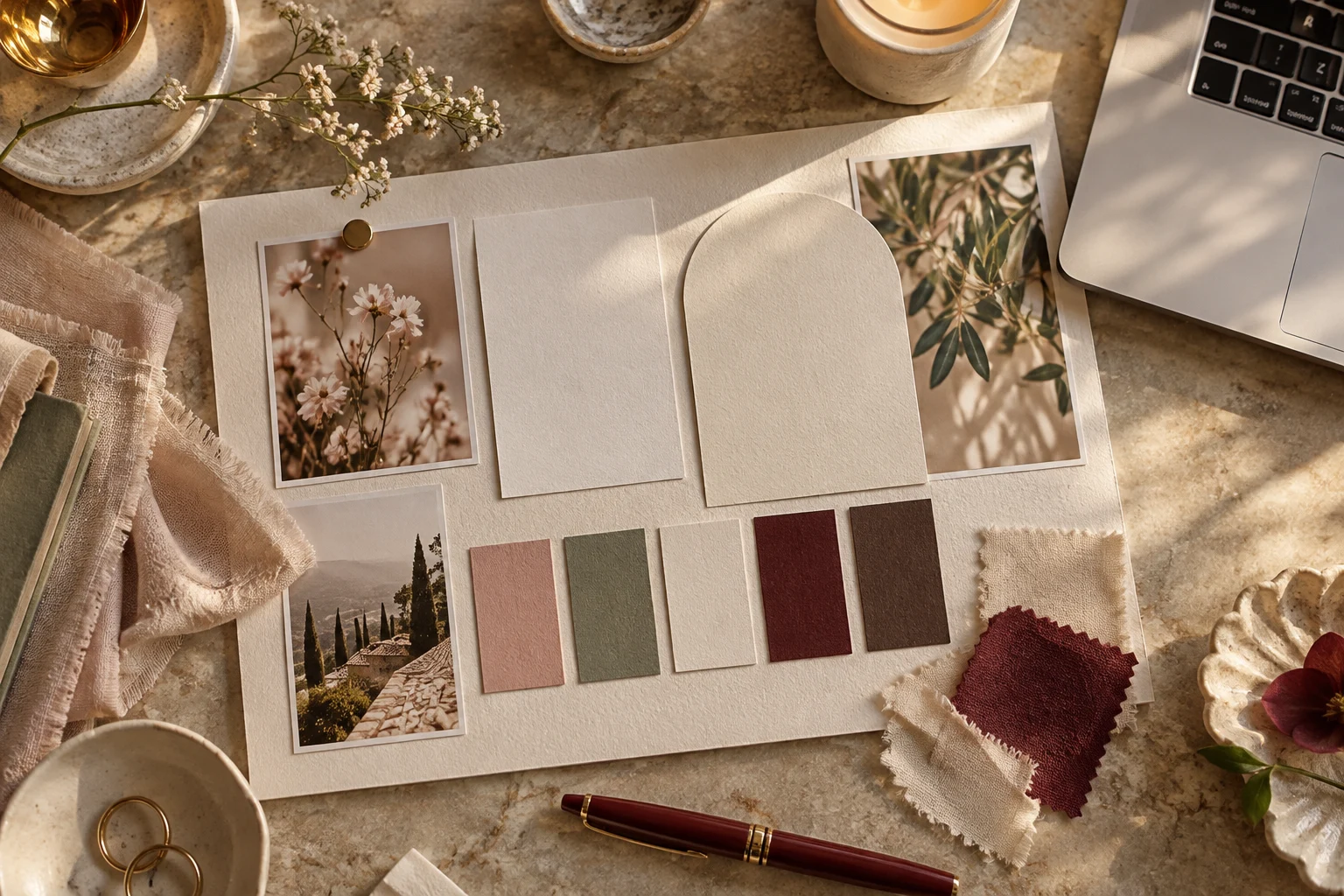
Now that you've chosen some colors and fonts, bring everything together in a visual mood board.
You can create one easily in Canva.
Start with a blank design and add:
- Your selected color palette
- Your headline and body fonts
- A few photographs that represent your style
- Examples of textures or patterns you like
- Words that describe your brand personality
Arrange everything on one page.
Your mood board should give you an immediate sense of the overall feeling of your brand.
Does everything work together?
Does the photography complement the colors?
Do the fonts match the aesthetic?
Does the finished board feel like something you'd be excited to build a business around?
If something feels out of place, this is the perfect time to make changes.
Step 7: Set Up Your Brand Kit in Canva
Once you're happy with your colors and fonts, save them somewhere you can easily access.
If your Canva plan includes Brand Kit features, you can add your brand colors, fonts, and logos there.
You can also create a simple brand reference page in Canva and save your HEX codes and font names manually.
Either way, the goal is the same.
You want to avoid starting from scratch every time you design something.
When you create a new Instagram post, Pinterest pin, workbook, or promotional graphic, you'll already know which colors and fonts to use.
And that makes designing so much faster.

Step 8: Apply Your Branding Consistently
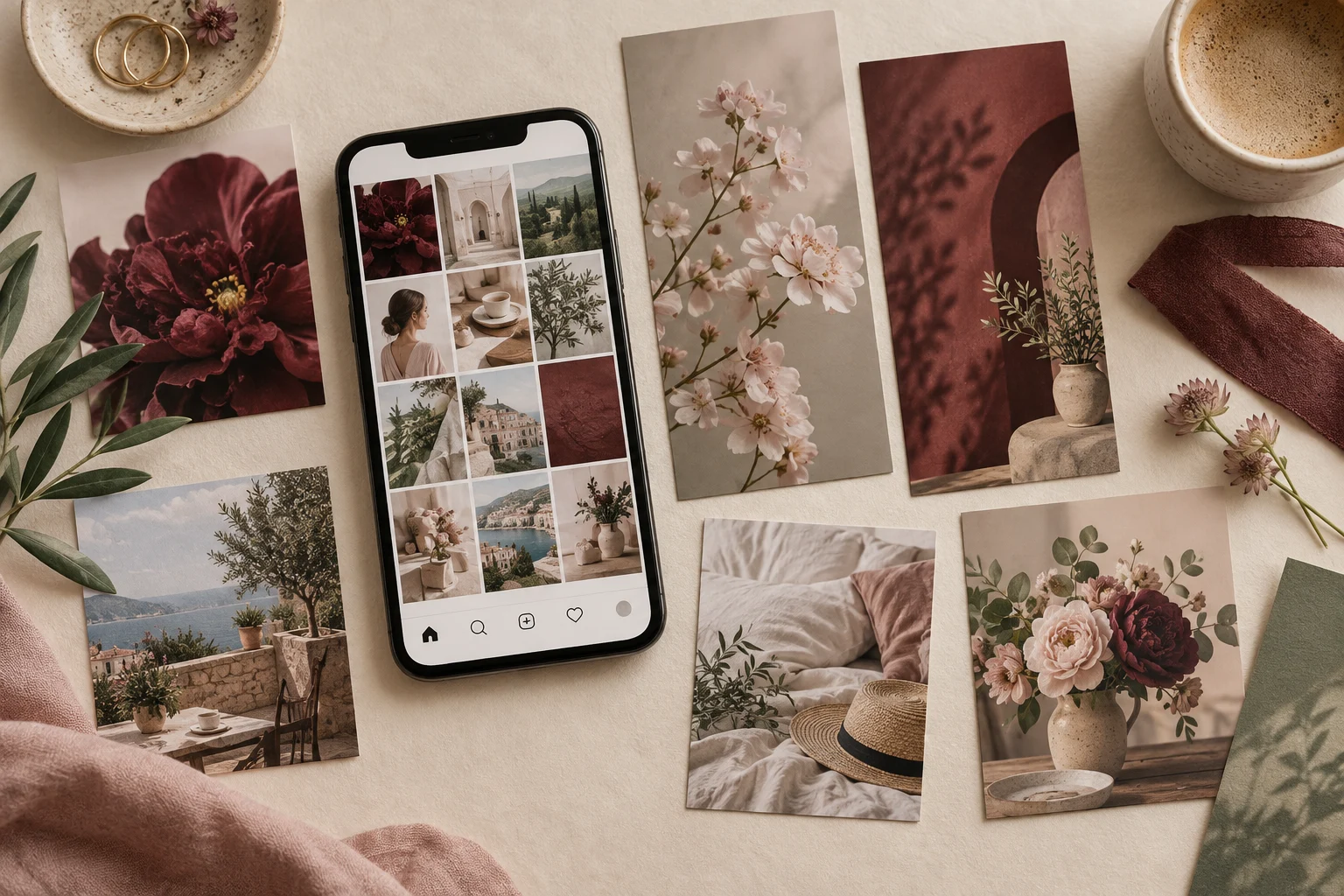
Now it's time to use your visual identity across your online presence.
Start with your website.
Update your headings, buttons, backgrounds, and text colors to match your brand palette.
Then move on to your social media templates.
Create a few reusable Instagram and Pinterest graphics using the same fonts and colors.
You can also carry your branding into your email newsletters, digital products, media kits, workbooks, and client documents.
Everything doesn't need to look identical.
In fact, having some variation is important so your content doesn't become repetitive.
But your designs should share enough visual elements that they feel like part of the same family.
Think of your brand identity as a common thread connecting everything you create.
Common Personal Branding Mistakes to Avoid
As you're developing your visual identity, watch out for a few common mistakes.
Choosing Too Many Colors
A large collection of unrelated colors can make your branding feel scattered.
Start with a small, coordinated palette and expand only when you have a reason to.
Using Too Many Fonts
Combining five or six different font styles can make your graphics look inconsistent.
Two carefully chosen fonts are usually enough.
Following Every Design Trend
Trends change quickly.
A color palette or font style that's everywhere on Pinterest today may not feel as exciting a year from now.
Choose something you genuinely love and can see yourself using consistently.
Ignoring Readability
Beautiful design should still be functional.
Make sure your website text is readable, your buttons stand out, and your graphics have enough contrast.
Very pale text on a light background may look delicate, but it can be difficult for visitors to read.
Constantly Changing Your Branding
It's natural to refine your visual identity over time.
But completely redesigning your brand every few weeks makes it harder to establish consistency.
Give your choices a chance to work before starting over.
Do You Need to Hire a Brand Designer?
Not necessarily.
Hiring a professional designer can be valuable, especially when you're ready to invest in a custom identity.
But if you're just starting your personal brand, you can absolutely create a simple visual foundation yourself.
Tools like Canva make it possible to experiment with colors, fonts, layouts, and graphics without advanced design skills.
You can also use customizable branding templates as a starting point.
The important thing is to create a look that supports your goals and helps you present yourself consistently.
You can always invest in professional branding later as your business grows.

Final Thoughts: Your Personal Brand Should Feel Like You
Creating a personal brand aesthetic doesn't have to be complicated.
You don't need to spend weeks choosing the perfect shade of pink or testing hundreds of fonts.
Start with your brand's personality.
Choose a few colors that work beautifully together.
Find two fonts that complement one another.
Create a simple mood board.
And begin using those elements consistently across your website, social media, and marketing materials.
Remember, beautiful branding isn't just about looking polished.
It's about helping people recognize your business and creating a visual presence that feels authentic to you.
Your personal brand should be something you're proud to share with the world.
And sometimes, all it takes to get started is a beautiful color palette, the right fonts, and a little bit of creative confidence.